Before You Buy a Mailer Machine, Calculate These 7 Numbers
A mailer machine's price is not its cost. Calculate capacity, material use, labour, utilisation, unit cost, output value and payback first — these seven numbers decide whether the machine pays.
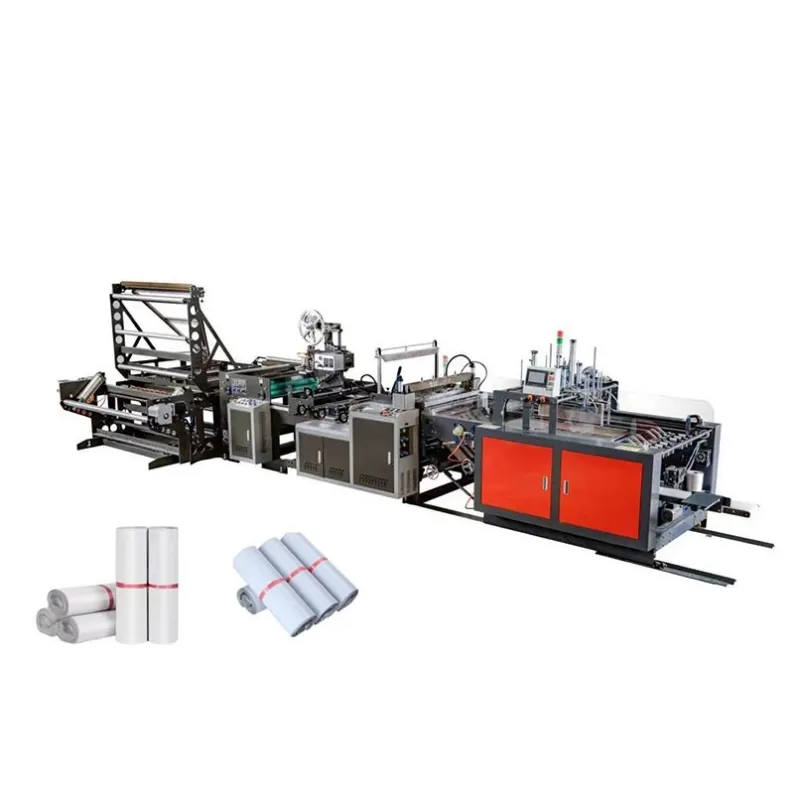
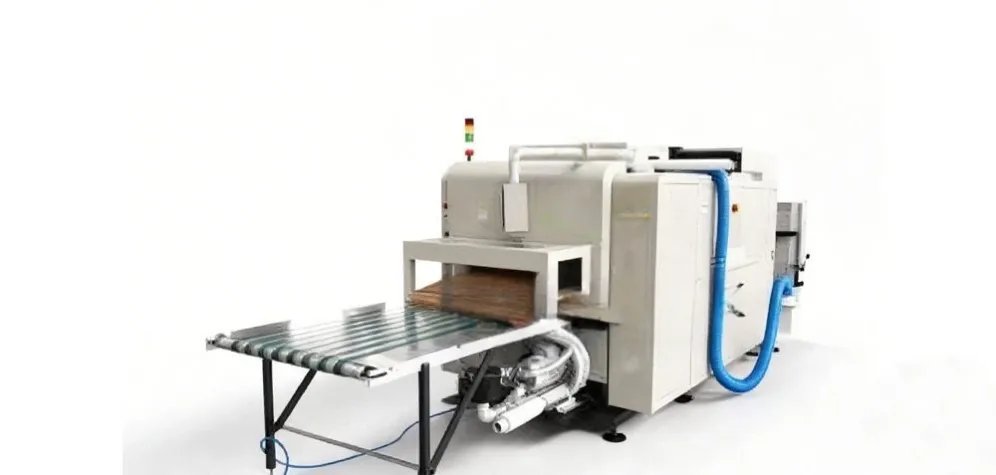
Before you buy a mailer machine, calculate seven numbers: real daily capacity, material consumption, paper width and GSM, labour, utilisation, cost per mailer and payback time. A machine that looks cheap on price can be expensive per bag if it wastes paper, needs too many operators or stands idle, while a dearer machine can be the cheaper choice when it runs steadily at the volume you actually produce. These seven numbers turn a sales conversation into a cost comparison you can check before you sign anything.
1. Real Daily and Monthly Capacity
Start with the capacity you will actually use, not the machine's maximum. Rated speed is measured under ideal conditions; real output is lower once roll changes, size changes, checks and breaks are counted. Work out how many finished mailers the machine must produce in a normal day and a normal month, and compare that with the supplier's figure for sustained running at your bag size. A machine bought for its top speed but run at half its capacity costs more per bag than a smaller machine that runs full, so match the machine to the orders you have, not the orders you hope to have.
2. Material Consumption per Mailer
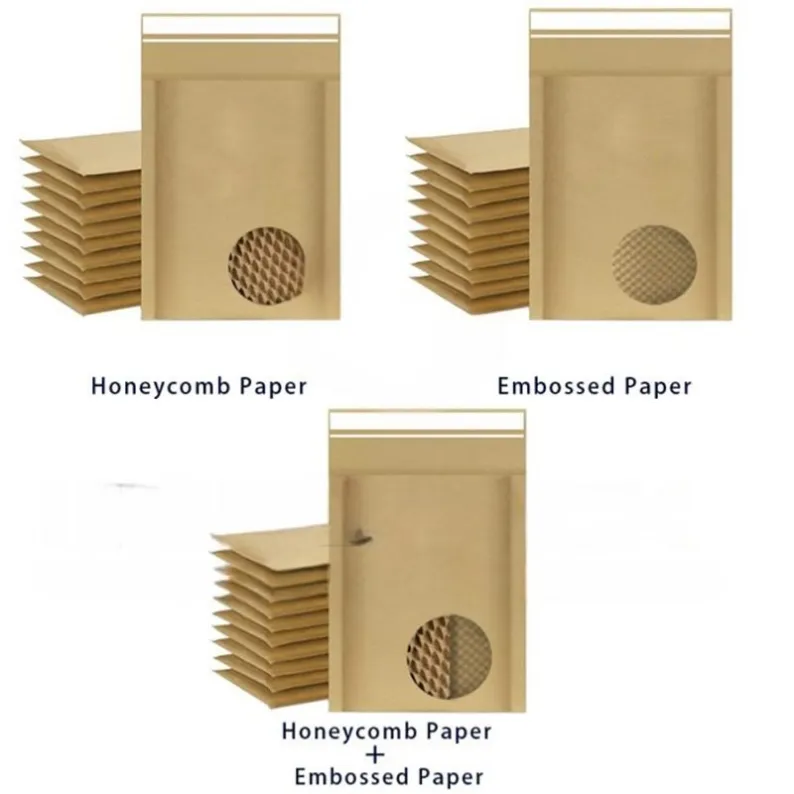
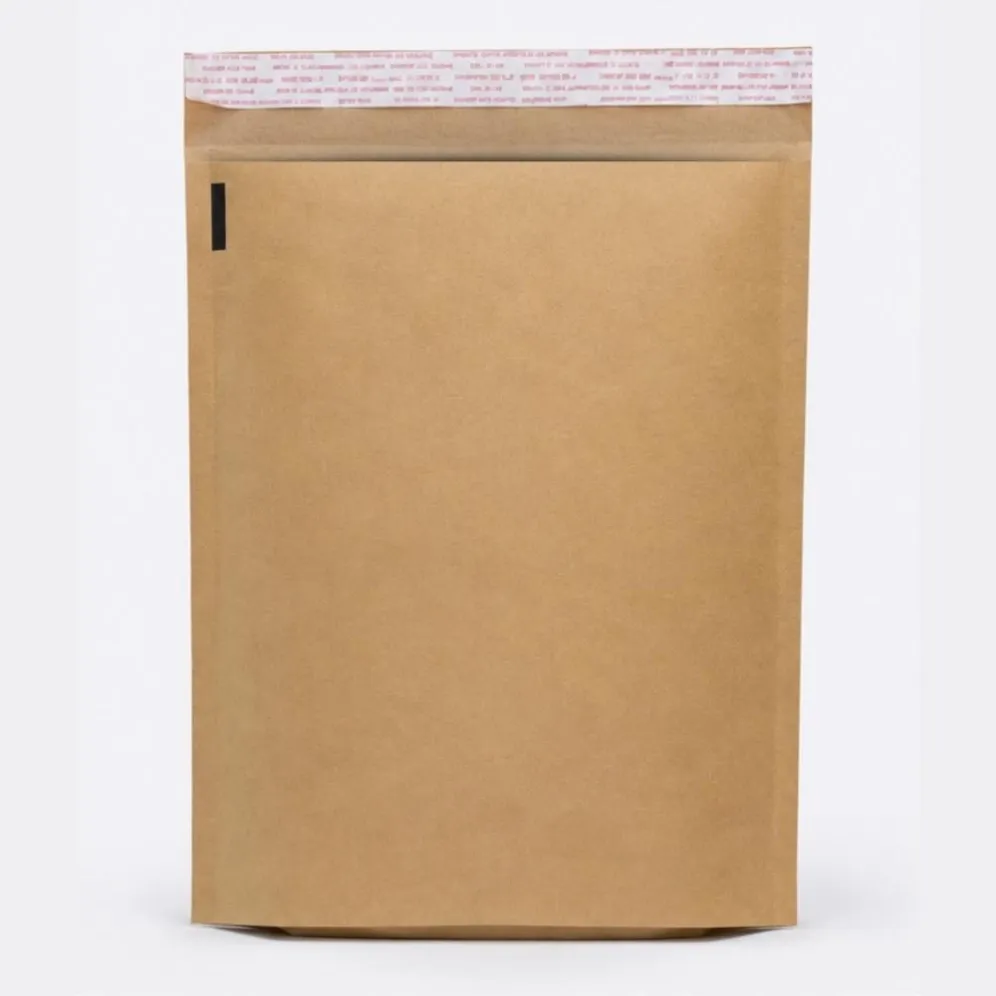
Next, calculate how much paper each mailer uses. The main materials are kraft paper and corrugated paper, and the cost of a mailer is set by how much of them it contains and how much is wasted in cutting, folding and setup. Ask the supplier how much paper the machine uses per mailer at your bag size, including start-up waste, and compare machines on that figure rather than on the paper price alone. A machine that uses a little less paper on every bag saves money on every order, and the saving grows with volume.
3. Paper Width, Dimensions and GSM
Paper width, bag dimensions and GSM decide which paper the machine can use and how much is wasted. A machine that takes the wrong width forces you to buy paper in a size that leaves a wide offcut on every roll, and a machine that cannot handle the GSM your bags need will either tear the paper or make bags that are too weak. Check the machine's paper width range, the bag sizes it can make and the GSM range it handles, then check that the paper you can buy at a good price fits inside those ranges. The cheapest paper is only cheap if the machine can use it without waste.
4. Labour: How Many People Does It Need?
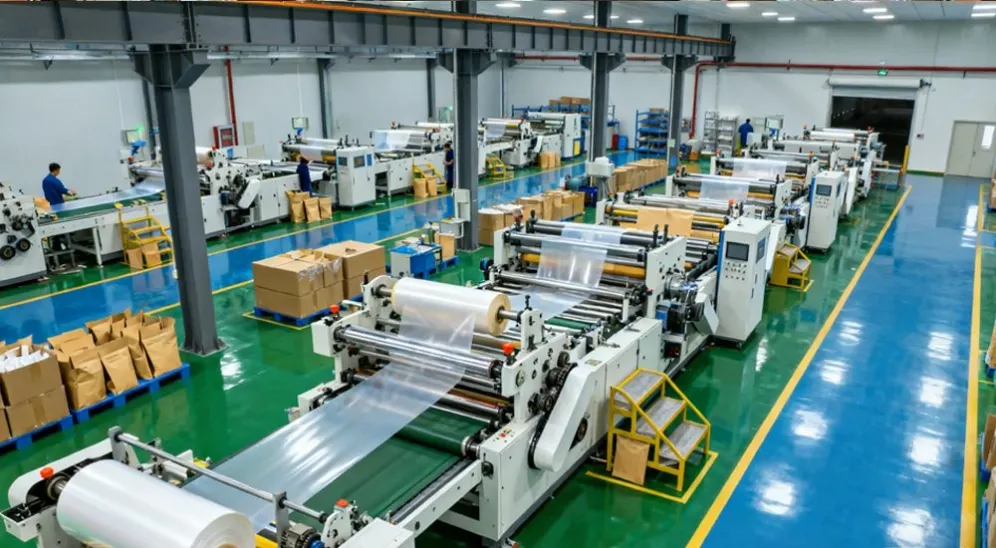
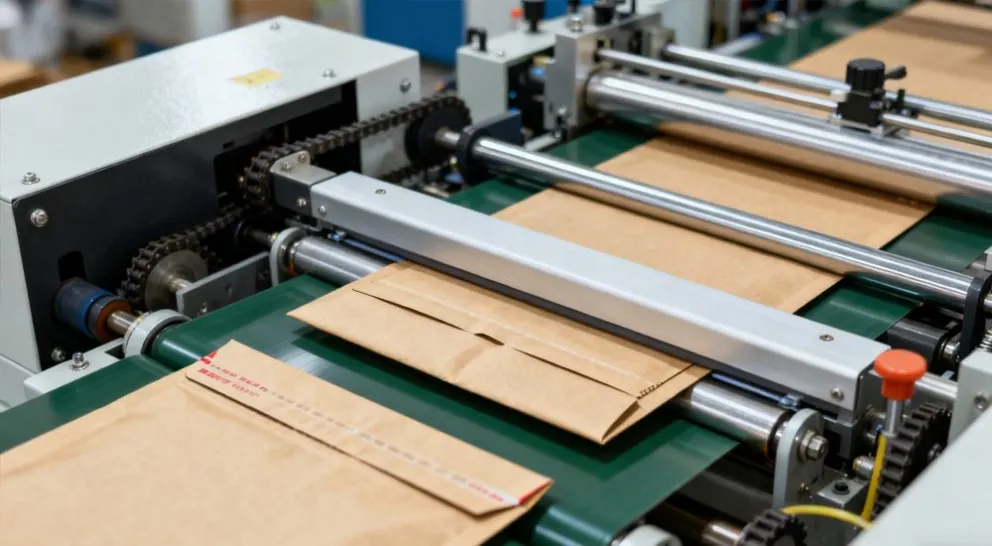
Count the labour the machine needs, not just its speed. Some mailer machines are fully automatic and need one operator to monitor them; others are semi-automatic and need several people to feed, check and stack. Multiply the operators by the hours the line runs and you have the labour cost of each day's output. A machine that needs two extra operators can cost more in a year than the difference in its purchase price, so ask the supplier how many people are needed in normal running, including roll changes and routine checks.
5. Utilisation: Hours per Day, Not Just Speed
A machine's utilisation is the share of the working day it actually produces. A line that runs for six hours out of eight is better used than one that runs for three, even if the second machine is faster on paper. Utilisation depends on the order book, the time needed for size changes and the reliability of the machine. Be honest about the hours you can fill: if orders are seasonal or uneven, a machine will stand idle for part of the year, and the cost of those idle hours falls on the bags it does make. Plan for the volume you have in a normal month, and for growth, rather than for a single busy week.
6. Cost per Mailer
The cost per mailer is the number that brings the others together. Add up the paper, electricity, labour, maintenance and consumables for a month's production and divide by the number of finished mailers. That figure, not the purchase price, is the cost of each bag you sell. Compare it with the price of buying finished mailers, and with the cost of your current method, on the same basis: the same bag size, the same paper and the same monthly volume. If the machine's cost per mailer is only lower at a volume you do not produce, the saving is not real yet.
7. Monthly Production Value and Payback Time
Finally, calculate the value the machine creates and how long it takes to pay for itself. Monthly production value is the number of mailers produced multiplied by the price each mailer is worth to the business, whether that is the price it sells for or the price it would cost to buy. Compare that value with the total cost of running the machine to find the additional monthly profit it creates. Payback time is then the total investment — the machine, its installation and the training it needs — divided by that additional monthly profit. A short payback at your real volume is a good sign; a payback that only works at twice your volume is a warning. Do not buy a machine whose payback depends on orders you do not have.
What to Do With the Seven Numbers
Work through the seven numbers with the supplier before you agree a price, and ask for them to be shown with your bag size, your paper and your monthly volume. A supplier that can show the calculation is one that has done it before; a supplier that will only talk about top speed has not. If the numbers show that a smaller machine, used well, beats a larger one run half-empty, choose the smaller machine. The right machine is the one that makes your bags at the lowest cost per bag at the volume you actually produce, and that can grow with you when orders grow.
If you are comparing mailer machines, talk to HJ Machinery before you decide. Browse our mailer and envelope machines to see the range, then contact us with your bag size, paper, GSM and monthly volume, and we will help you work through the seven numbers for your production.