Paper Mailer Machine Maintenance Guide: How to Reduce Downtime and Extend Machine Life
Most unplanned downtime comes from small, preventable problems — worn parts, dust and paper debris and missed lubrication. A short daily routine and a planned service schedule keep output steady.
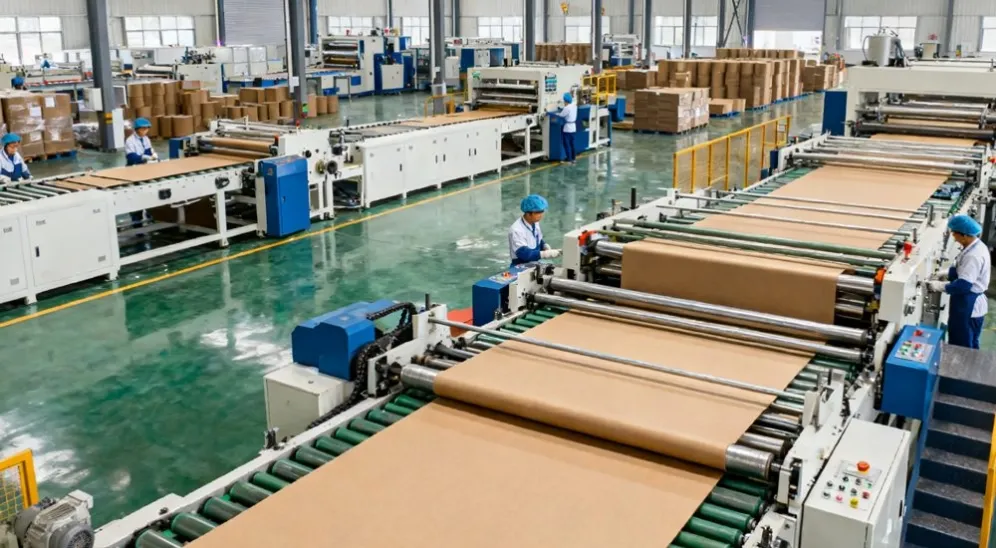
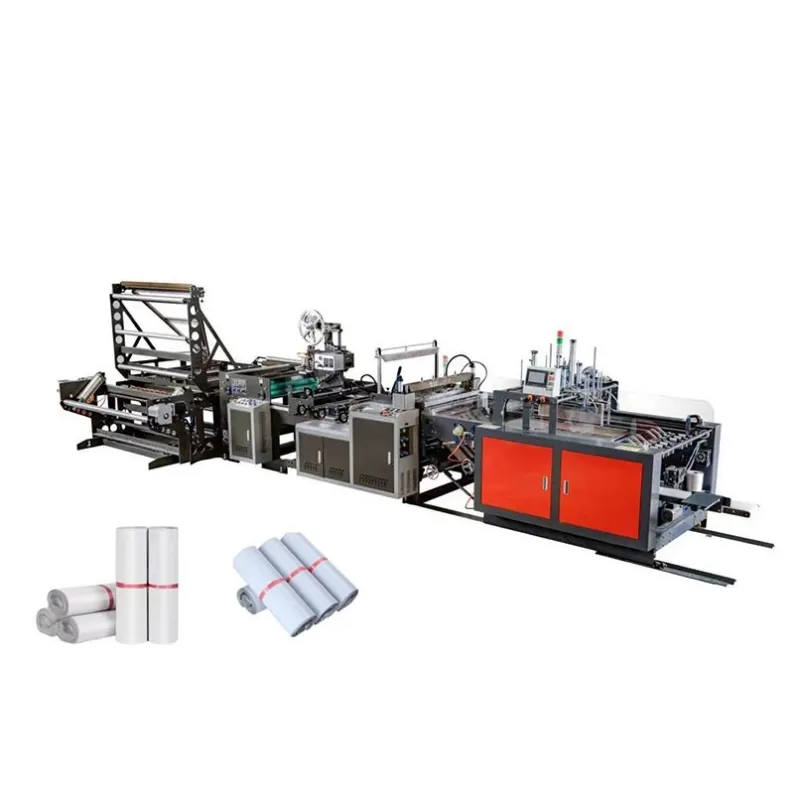
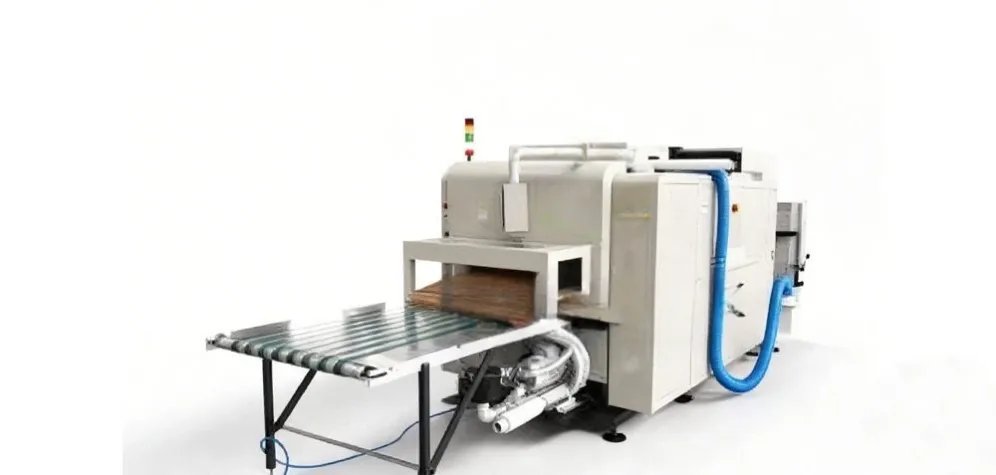
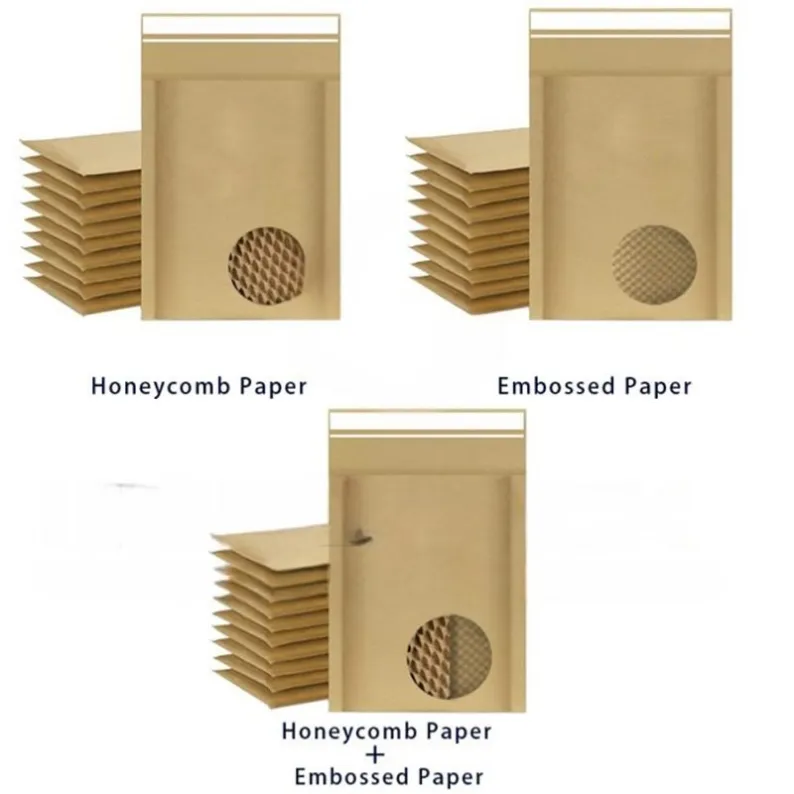
Regular maintenance is the difference between a paper mailer machine that runs reliably for years and one that stops without warning. Most unplanned downtime comes from small, preventable problems — worn parts, dust and paper debris, loose settings and missed lubrication — not from major breakdowns. A short daily routine, a weekly check and a planned service schedule keep output steady and extend the machine's working life.
Why maintenance pays for itself
A mailer machine earns its keep only while it is running. Every unplanned stop costs output, and a stop in the middle of an order can mean missed deadlines, overtime to catch up and a customer waiting for stock. The repair itself is often the smaller cost: the bigger cost is the production that did not happen while the machine stood still.
Preventive maintenance turns those surprises into planned work. A belt changed during a scheduled stop costs far less than the same belt failing at full speed in the middle of a run, and a sealing bar cleaned on schedule keeps making good seals long after a neglected one has started producing weak joints. Machines that are cleaned, lubricated and checked on a routine also hold their settings better, so quality stays consistent from the first mailer of the day to the last. In short, the time spent on maintenance is repaid in steady output, fewer rejected mailers and a longer working life for the machine.
Daily checks: five minutes before you start
The most valuable maintenance takes only a few minutes and happens at the start of every shift, before the machine is asked to run at full speed. Make it a fixed routine, not something that happens when someone remembers.
- Walk around the machine and look for anything out of place: loose guards, paper offcuts caught in the feed, adhesive where it should not be, or a warning light on the control panel.
- Clear paper dust and debris from the feed, folding and sealing areas. Dust builds up quickly on a paper machine, and it is the usual cause of misfeeds, slipping belts and sensors that stop seeing the paper.
- Check the paper feed and guides. The paper should run straight and evenly, with the guides set for the width you are running, so the mailer folds square and the seams land where they should.
- Check the glue system: adhesive level, lines and nozzles. A blocked nozzle or an empty tank is a common reason for open seams, and it is much cheaper to find it before the run than after a stack of bad mailers.
- Check the heating and sealing section, and confirm that the safety guards are in place and the emergency stop works. Then run a few mailers and check the first pieces — size, fold, seal strength and print — before you start the full batch.
Weekly and monthly checks
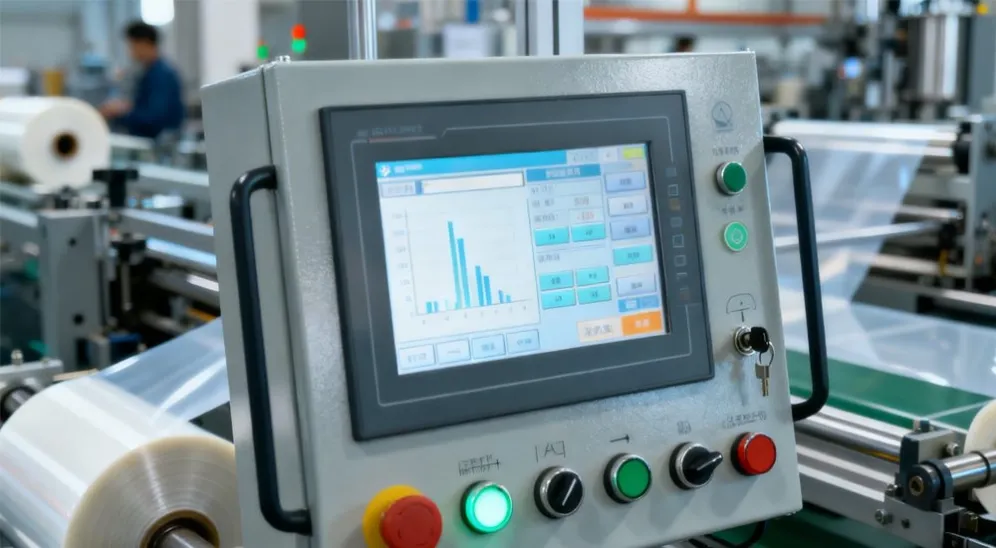
Once a week, go deeper than the daily routine. Lubricate the points the manufacturer specifies, using the lubricant it recommends — the wrong grease in the wrong place can do more harm than none at all. Check belt tension and look for cracks, fraying or glazing; a belt that is worn on one side or running off-centre will fail soon, and it is also a sign that something else is out of alignment. Check the cutting blades and sealing bars for wear, and clean the sensors that watch the paper, because a dirty sensor can stop the machine or let a fault through.
Once a month, check the parts that wear slowly and are easy to overlook: rollers and folding plates for wear or damage, pneumatic lines and filters if the machine uses compressed air, and electrical connections for looseness or heat discoloration. Follow the manufacturer's recommended intervals for these checks rather than guessing, and write down what was done and when, so the next person on the machine knows its history.
Wear parts: replace them before they fail
Every mailer machine has parts that wear out by design: belts, blades, sealing elements, rollers and glue nozzles all have a working life, and they will fail eventually no matter how well the machine is looked after. The decision is not whether to replace them, but when — on your schedule, during a planned stop, or on the machine's schedule, in the middle of an order.
Keep a small stock of the wear parts your machine uses most, and order replacements in good time, before the last spare is fitted. A spare belt on the shelf is cheap insurance; the same belt ordered in a hurry, with the machine standing idle, is not. When you fit a new wear part, check the parts around it as well — a worn roller can wear out a new belt quickly, and a blunt blade can strain the cutting unit. Note the date each wear part was fitted in the maintenance log, so you can see how long each one lasts and plan the next change before it is due.
Train the operators and keep a log
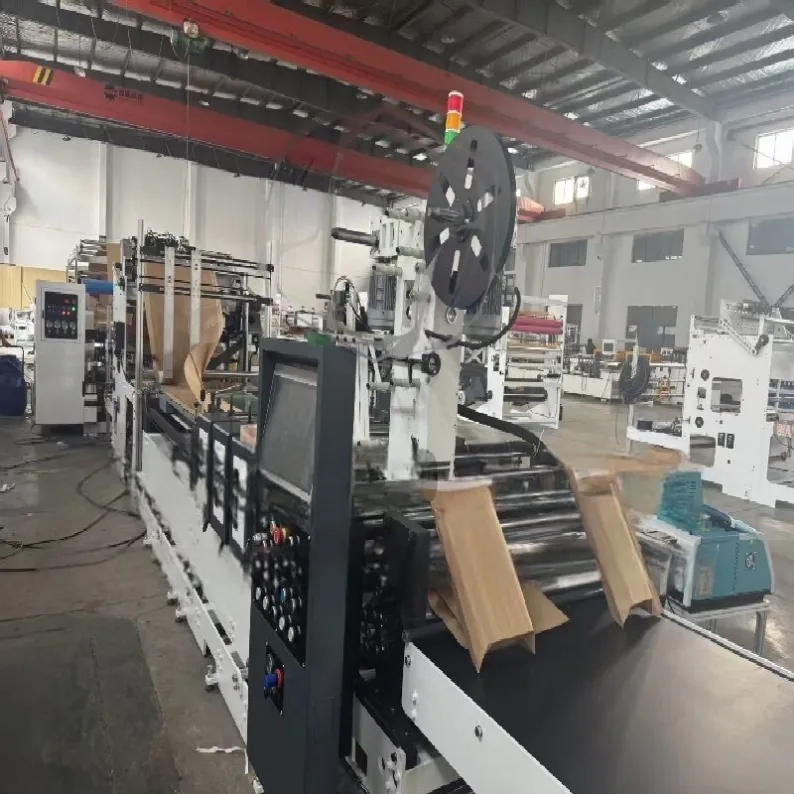
A machine is only as well maintained as the people who run it. Operators who understand how the machine works spot the early signs of trouble — a change in sound, a seal that is slightly weaker, a fold that is drifting — long before those signs become a breakdown. Train every operator on the daily checks, on what to look for and on when to stop the machine and call for help instead of running on.
Keep the manufacturer's manual where the operators can reach it, and follow it for settings, lubrication points and service intervals. Keep a simple maintenance log for the machine: the date, what was checked or changed, and who did it. A log turns maintenance from memory into a record — it shows what is wearing out, it proves the machine has been looked after, and it makes handovers between shifts and between staff straightforward.
When to call the manufacturer
Some work belongs to a trained technician. Do not attempt complex electrical work, control-system faults or major mechanical repairs without the training and the manual for the job — a wrong adjustment can damage the machine or put the operator at risk. If a fault keeps returning after the routine checks, or the machine stops with a fault you cannot explain, stop and ask for help rather than running it until it breaks.
Keep your machine model, serial number and the supplier's service contact where they can be found quickly, and schedule professional servicing for the major checks the manual calls for. A planned visit from a technician costs less than a breakdown, and it is the right time to ask about anything the operators have noticed but could not explain.
A routine that works
Put the routine on the wall next to the machine, not in a drawer: five minutes at the start of every shift, a weekly check on the same day each week, a monthly check of the slow-wearing parts, and wear parts replaced before they fail. Record it in the log every time. Machines looked after this way do not just last longer — they run more evenly, waste less paper and adhesive, and produce mailers you can trust.
If your paper mailer machine needs a service plan, spare parts or a replacement, HJ Machinery can help. Browse our or contact us with your machine model and the parts you need, and we will help you keep the line running.